new baby cards 2026
9 templatesNew baby cards for a boy or a girl, with the name and the date. Image or video, free.
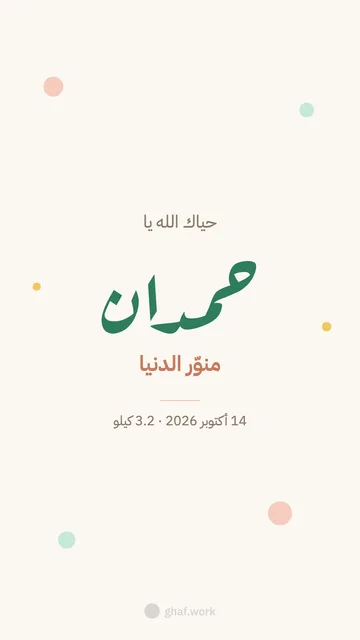 Boy
Boy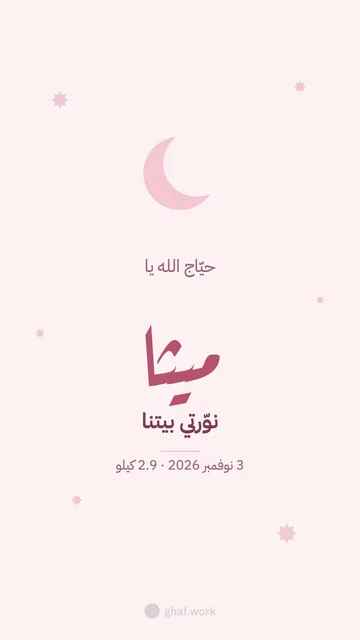 Girl
Girl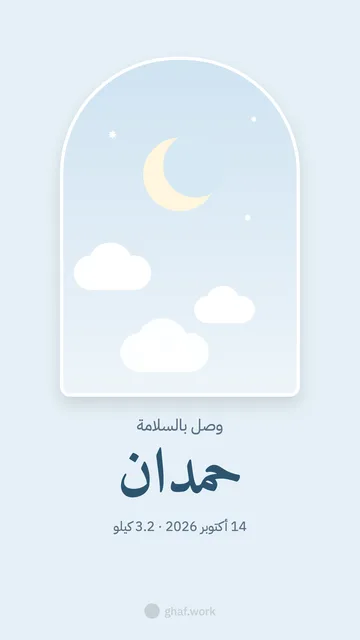 Sky window (boy)
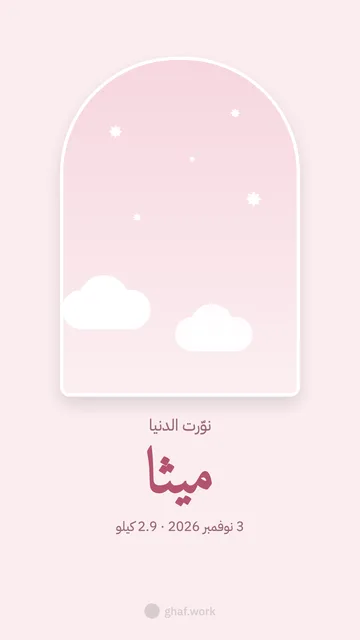 Star window (girl)
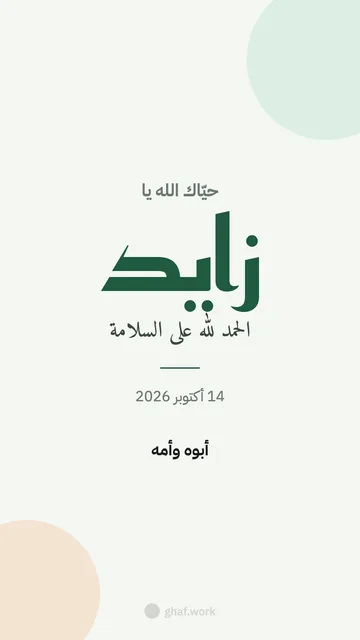 We have arrived
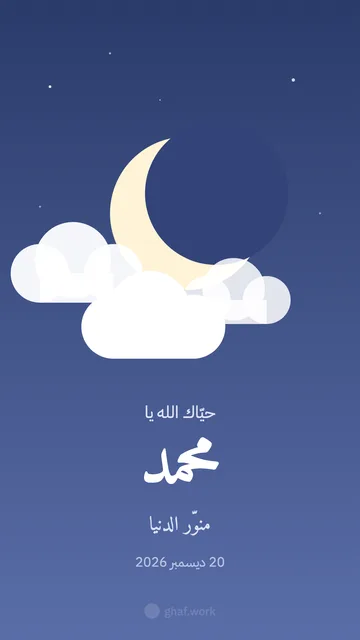 Crescent and clouds
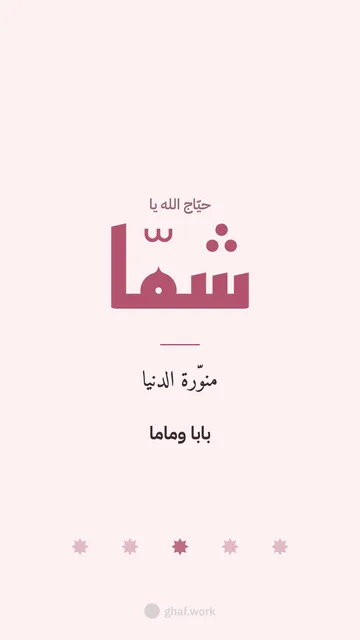 Her name (Kufi)
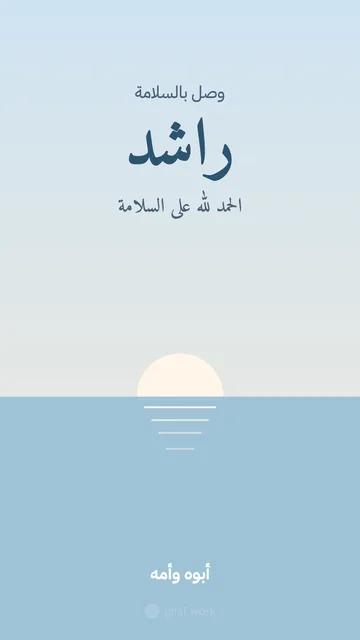 Morning sea
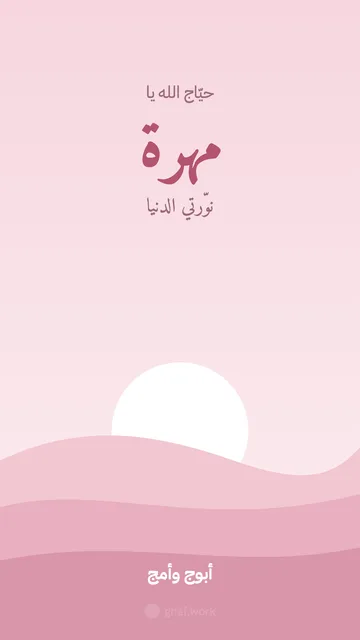 Pink dunes
No templates with this filter
Questions people ask
Is Ghaf Cards free?
Yes, free and with no sign-up. Make the card, download it as an image or a video, and send it on WhatsApp or post it as a story.
Where do the names and photos go?
Nowhere. Everything happens on your device: names, photos and logos never reach us. We only count how many cards are downloaded.
Which sizes?
Story 1080×1920, square 1080×1080 and landscape 1920×1080. Images are high-quality PNG; videos are 6-second MP4.
Can I add my company's logo?
Yes: under “For companies and businesses” you set your logo, colours and website once, and they appear on every template.
Why is there a Ghaf mark?
A small, light mark at the bottom of the card (85% transparent), so the service can stay free.